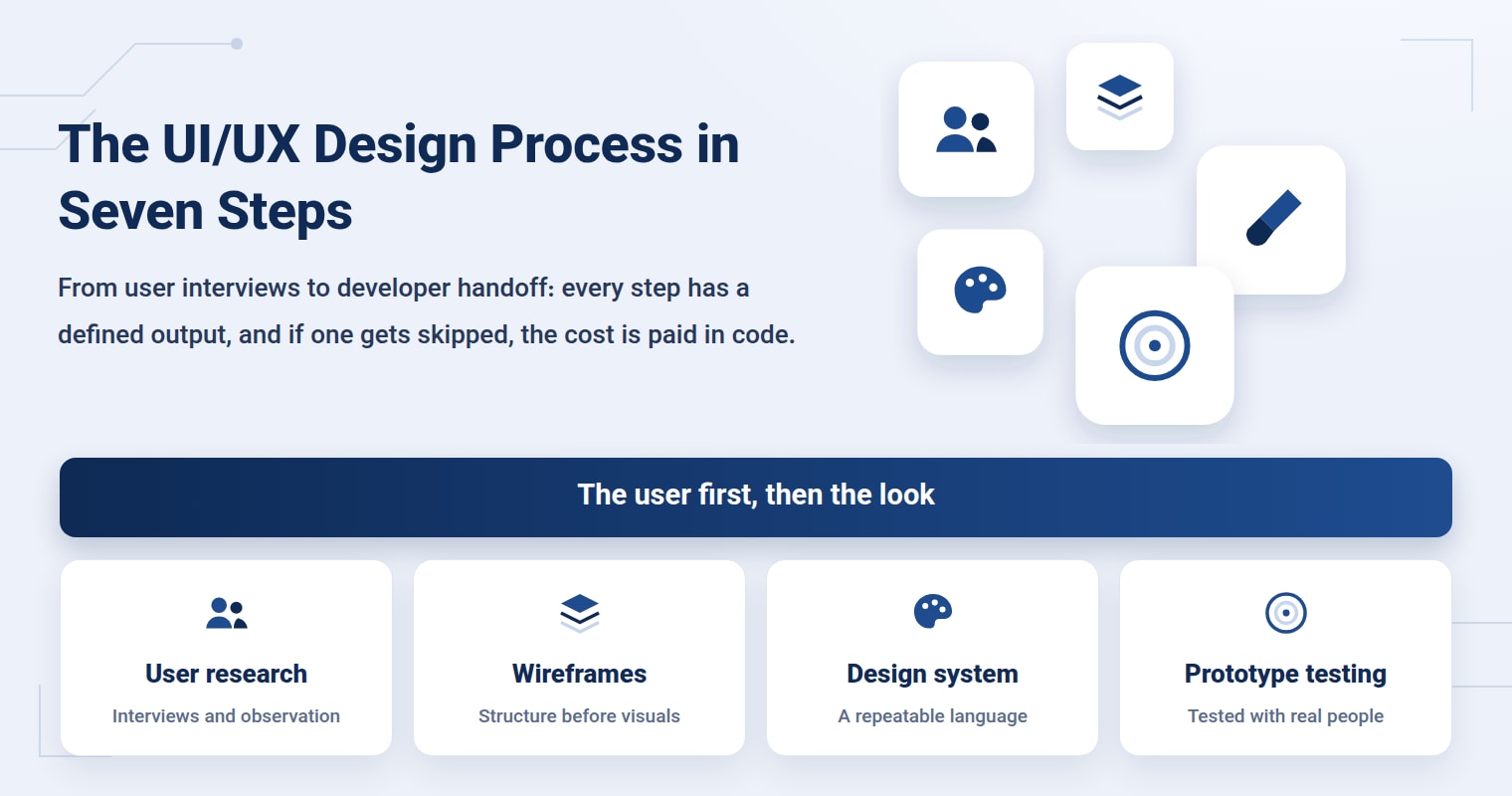
An online store in Mashhad hands its new design straight from Figma to its developer. Three weeks later, it turns out the checkout page has four error states that nobody ever designed, and the buttons on two pages are two different shades of "blue." The UI/UX design process exists to prevent exactly this: seven steps in sequence, from user research to developer handoff, where each step has a defined output that becomes the input for the next. Skip one, and you pay for it later in code.
If you are still unsure how UI and UX differ, read up on the difference between UI and UX first and then come back. This article assumes you know where that line falls and focuses on the order in which the work happens.
Where does the UI/UX design process start?
With something that isn't design yet: people. The first step is interviews and observation, not picking colors. The goal is to understand what real users do to get their task done, where they get stuck, and how they work around it today.
A good interview doesn't ask, "Do you like this page?" It asks, "The last time you wanted to book an appointment at a clinic, what did you do?" The answers are stories, and stories have patterns. A handful of interviews with real people from that business's own audience usually surfaces two or three recurring problems that no internal company meeting would have uncovered.
How do personas and user journeys help the design?
A persona is a summary of a real group of users, not an attractive fictional character with a stock photo. It's enough to write down their goal, their context of use (a phone in a queue or a laptop at the office) and their biggest concern. A user journey places that same person along a single line: from their first encounter with the business to getting the task done, asking at every point what they're thinking and what's bothering them.
The value of both lies in decision-making. When the "should this button go at the top or the bottom?" debate comes up, the persona provides the answer, not the taste of the loudest voice in the meeting.
Why do information architecture and wireframes come before visual design?
Information architecture means deciding which pages you need, how the menu is grouped and where each piece of content belongs. A wireframe puts that same structure on screen as a grey layout with no color and no images. The grey is deliberate: when there is no color, the discussion stays on where the elements go and the order of the information.
Changing a block in a wireframe takes a few minutes. The same change after the code is written can touch several files. That's why, in the website design process too, we approve the structure before the look.
What exactly do UI design and a design system deliver?
Now it's time for the look. UI design layers color, typography, spacing and component states on top of the approved structure. For a Persian-language website, a few things have to be accounted for right from this stage: right-to-left layout, Persian font weights that stay legible at small sizes, and numerals that sit well with the text.
The design system is where the design stops being "a few pretty pages" and becomes "a repeatable language." Nielsen Norman Group defines it as a complete set of standards for managing design at scale with reusable components and patterns, and says it is made up of a repository (style guide, component library, pattern library) and the people who maintain it. Don't forget those people: a design system that nobody owns drifts away from the code after a few months.
What does each step of the process produce?
Use this checklist when signing off each stage. If you can't show the output for a row, that step isn't finished yet.
| Step | The question it answers | Deliverable |
|---|---|---|
| Research and interviews | What do real users do, and where do they get stuck? | Interview notes and a list of problems |
| Persona and user journey | Who are we designing for, and in what situation? | Persona and journey map |
| Information architecture | Which pages are needed, and how do they connect? | Sitemap and menu structure |
| Wireframe | What sections does each page have, and in what order? | Grey layouts of the main pages |
| UI and design system | How does each component look and behave? | Final design, color, typography, component library |
| Prototype and testing | Can a real person get their task done with this design? | Interactive prototype and test report |
| Developer handoff | Does the developer know every state? | Component specs, states and design tokens |
How many people should you test a prototype with?
A prototype is a clickable design that has no code yet. Testing it is simple: give the user a specific task ("Book an appointment for next week"), sit quietly and watch where they hesitate. Don't explain. Every explanation you give means the page failed to answer on its own.
You need fewer people than you think. According to Jakob Nielsen in his article "Why You Only Need to Test with 5 Users", the first few participants reveal most of the problems that can be found, and from around the fifth person onward the earlier findings start to repeat. Instead of one big test, he recommends several small rounds: test, fix, test again. If the site has several completely different groups of users, you need to bring in people from each group separately.
Look at accessibility at this stage, too. For example, in Success Criterion 2.5.8 of WCAG 2.2, the W3C says touch targets should be at least 24 by 24 CSS pixels, with exceptions such as enough spacing from neighboring targets. The tiny button in a mobile menu is usually where this goes wrong.
What does a developer handoff require?
Handoff isn't just sending files. The developer needs to know every state of every component: default, hover, focus, disabled, error, empty and loading. The checkout page from the start of this article broke down over exactly these states.
Design tokens (color names, spacing sizes, font weights) help design and code speak the same vocabulary. When the designer says "primary color" and the code uses the same name, a brand change happens in one place, not in hundreds of files.
Which tools should you use for this work?
Tools matter, but they don't matter more than the process. Figma is enough for wireframes, final designs, the component library and prototypes, and it's close to the standard among teams. For interviews, a notebook and a video call are enough. For the sitemap, even a whiteboard will do. If your team is small, start with as few tools as possible and keep only what actually gets used.
Does a small website need a UI/UX process too?
A lightweight version of it, yes. A site with a few pages doesn't need long interviews or a large design system, but a short round of research, wireframes for the main pages and one test with a few people shouldn't be dropped. A landing page that is going to receive ad traffic, for example, is usually designed on guesswork without these three.
My own experience with this is more painful than I'd like to admit. While building onwebs.ir with Next.js, I polished one section visually several times, and then saw that mobile users couldn't find their way on that page. There was nothing wrong with the UI; the structure was wrong. At first I had guessed the problem was the spacing and the font size, and I was wrong. Since then, my rule has been: grey wireframe first, then sign-off on the flow, then color. I also keep the names of colors and spacing identical in the design and the code from the very start, so the developer and the designer don't end up speaking two languages. It starts slower, but it eliminates redesigns halfway through.
If you have a project and want its design to start from research, Onwebs in Mashhad follows this path as part of its UX design and UI design services. You can see examples of the work in the portfolio section and send a message through the contact page for a free consultation and estimate.
Sources
- Design Systems 101 — Nielsen Norman Group
- Why You Only Need to Test with 5 Users — Nielsen Norman Group
- Understanding Success Criterion 2.5.8: Target Size (Minimum) — W3C Web Accessibility Initiative