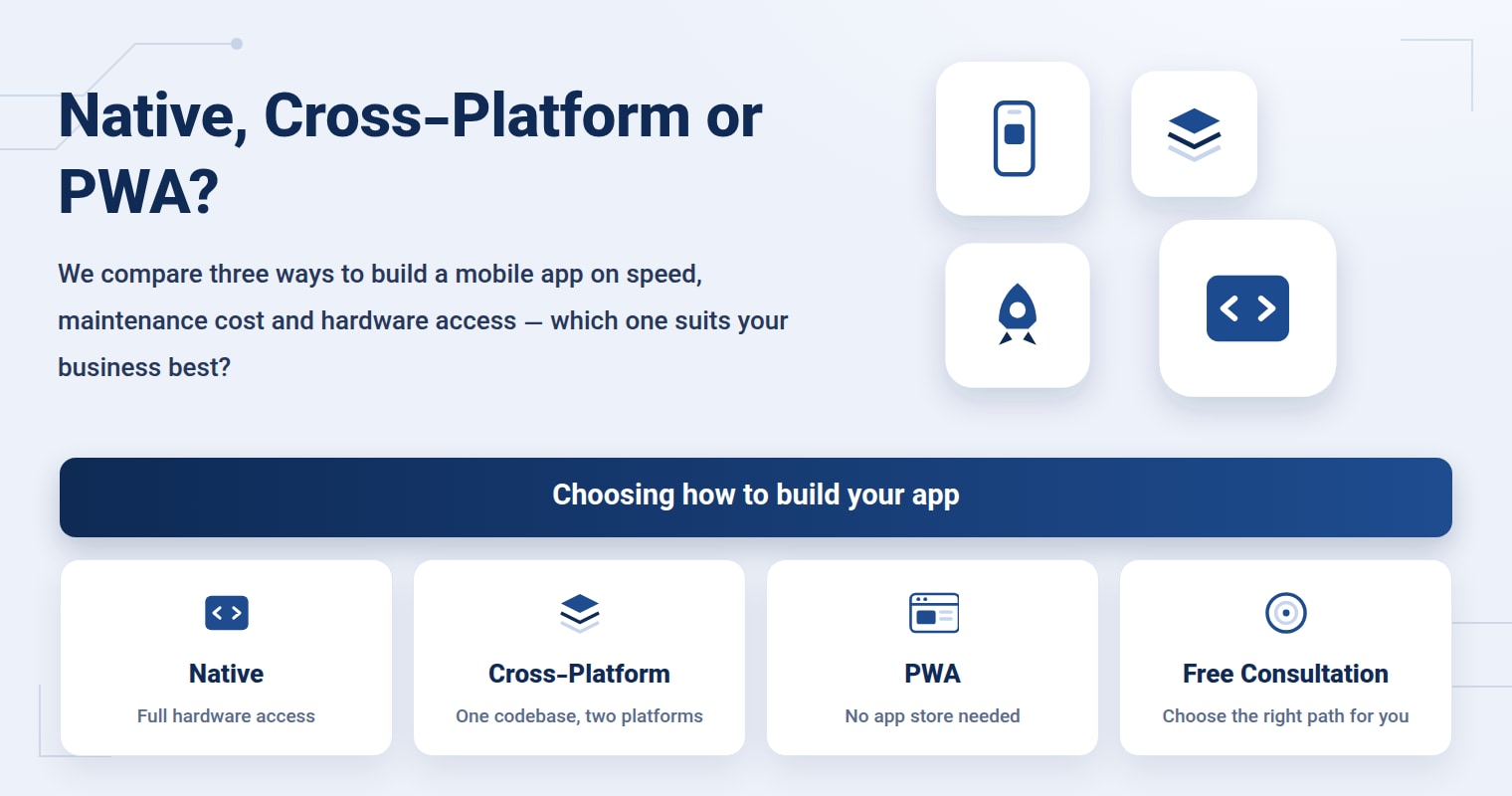
A sporting goods store on Vakilabad Boulevard in Mashhad messages the Onwebs app development team: “We want to be on both Android and iOS, but our budget won't stretch to two separate teams — is there a way?” The short answer is yes. Today, the types of mobile apps boil down to three main paths — native, cross-platform and PWA — and the right choice among them depends on what the business actually needs to achieve, not on which one looks more “modern.”
This decision is usually made only once, at the very start. Reversing it later means rewriting a large part of the app. So before you look at any price quote, it's worth knowing exactly what each of these three paths gives you — and what it takes in return.
What exactly is a native app, and when do you really need one?
A native app means two completely separate projects: one built with Android's own language and tools, the other with iOS's own language and tools. Each platform has its own code, and the development team has to build both separately and maintain both separately.
That separation is the price you pay for speed and full access to the phone's hardware. Apps that need deep access to the camera, motion sensors or heavy graphics processing — 3D games, augmented reality apps, or machine vision systems that have to process images in real time on the phone itself — usually get the most out of native development. For projects like these, every millisecond of delay that an intermediate layer adds is something you can't afford to ignore.
But most business apps — online stores, appointment booking, reservations, admin panels — don't need that level of hardware access. For them, native usually means twice the work for a result where the end user won't feel any difference.
How do cross-platform apps built with Flutter work?
In cross-platform development, one team writes a single codebase, and that same code runs on both Android and iOS. Flutter — which the Onwebs development team has used on many business projects — does exactly that: the user interface and the app logic are written once, then rendered on both platforms.
The result? Less code to write, a shorter development time and, most importantly, simpler maintenance. When a bug turns up or a new feature is added, the change is made once in the shared codebase — not twice, in two separate projects.
You see the real difference cross-platform makes in maintenance, not just in the first build. A team with a single codebase doesn't get caught up coordinating two parallel versions for every small change.
Its limitation is just as clear. In very specific scenarios where a project needs the deepest layer of the operating system, cross-platform puts a small extra layer between the code and the hardware. For the majority of business apps, that limitation isn't felt in practice.
What is a PWA, and why does it install without an app store?
A PWA, or Progressive Web App, isn't a traditional app at all; it's a website built to behave like an app — it puts an icon on the phone's home screen, works offline to a degree and sends notifications. Users don't download it from an app store such as Cafe Bazaar or the App Store; they tap “Add to Home Screen” directly in the browser.
For a business that wants to get in front of users faster, without the app stores' lengthy approval process, this path is an inexpensive option. But a PWA's access to the phone's hardware capabilities is more limited than native or cross-platform, and on iOS some notification and offline features are still restricted. It's a good fit for a simple showcase or content app; for an app that's meant to become the core of the business, it usually isn't enough.
Types of mobile apps across 7 criteria: how do native, cross-platform and PWA differ?
The table below puts the three paths side by side to make the decision more objective:
| Criterion | Native | Cross-platform (Flutter) | PWA |
|---|---|---|---|
| Development speed | Slower (two separate codebases) | Faster (one shared codebase) | Fastest |
| Maintenance cost | High | Lower | Low |
| Hardware access | Full | Broad | Limited |
| Heavy graphics performance | Best | Good | Weaker |
| App store approval required | Yes | Yes | No |
| Notifications and offline use | Full | Full | Limited (especially on iOS) |
| Best suited for | Games, augmented reality, machine vision | Most business apps | Simple showcase and content apps |
Why does the Onwebs team choose Flutter for most business projects?
A municipal super app, one of the Onwebs product team's projects, shows this choice clearly: a multi-service app that had to be available on both Android and iOS was built with Flutter — one codebase for both platforms instead of two parallel teams working on two separate codebases.
That choice did more than shorten the initial development time. Later on, whenever a new feature was added to the super app or the behavior of a section changed, the change was applied once in the shared codebase and took effect on both platforms — not twice, with the risk of the Android and iOS versions falling out of step with each other.
Which type of mobile app is right for your business?
Before you choose, run your own project through this checklist:
- Does your app need advanced camera features, motion sensors or heavy graphics processing? If so, take native seriously.
- Is the goal a standard business app — an online store, appointment booking, reservations, an admin panel? Cross-platform usually delivers the same quality with simpler maintenance.
- Do you just want to get in front of users quickly and on a small budget, without the app store approval process? Look at a PWA as a starting point.
- Does long-term maintenance cost matter more to you than the speed of the first build? This question usually puts cross-platform in front.
- Will the app be the core of your business model, or just a side tool? The more central its role, the more sense it makes to invest in native or cross-platform rather than a PWA.
None of these three paths is always “the best”; each was built for a different kind of app. Before recommending any of them, the app development team at Onwebs in Mashhad reviews the project's real goal in a free consultation and estimate session — based not on the trend of the day but on the specific needs of that particular business.
Frequently asked questions about types of mobile apps
Does Flutter deliver the same quality as a native app?
For most business apps, such as online stores, appointment booking and admin panels, yes — the end user won't notice any meaningful difference. The Onwebs development team in Mashhad chooses Flutter precisely for this category of projects; only in projects with heavy graphics or hardware demands does native still have the edge.
Can a PWA fully replace a mobile app?
For simple showcase and content apps, often yes. But when full notifications, broad access to the phone's hardware or an official presence on the Cafe Bazaar and Myket app stores matter, a PWA on its own isn't enough; Onwebs in Mashhad usually recommends it as a first step, not the final destination.
Can you switch from cross-platform to native later?
Technically it's possible, but in practice it means rewriting a large part of the app. That's why the Onwebs team in Mashhad recommends making this decision from the very first consultation session, based on the project's real needs — not after development has started.
Bottom line: choose based on your project's needs, not trends
Native, cross-platform and PWA each solve a different problem. The right question isn't which one is “better,” but what exactly your app needs from the user's phone. For most businesses in Mashhad, a cross-platform approach like Flutter strikes a good balance between speed, quality and maintenance cost; for projects with specific hardware needs, native still has its place.
On the municipal super app project, my own first instinct was that going native would be the safer bet; I thought cross-platform wouldn't hold up for an app with so many modules. But once we laid out the project's real scope, we saw that most of the modules were standard business functions, nothing that needed deep access to the hardware. That's where the decision changed, and we went with Flutter. What I personally learned from that project is that the native-or-cross-platform decision shouldn't be made out of early caution; it should be made from the actual list of features.
If you're not sure which path is right for your project, you can go over your app's goals and features with the Onwebs app development team in a free consultation and estimate; examples of completed projects are available in the Onwebs portfolio.